
Daily Quests
Daily objectives with saved progress.
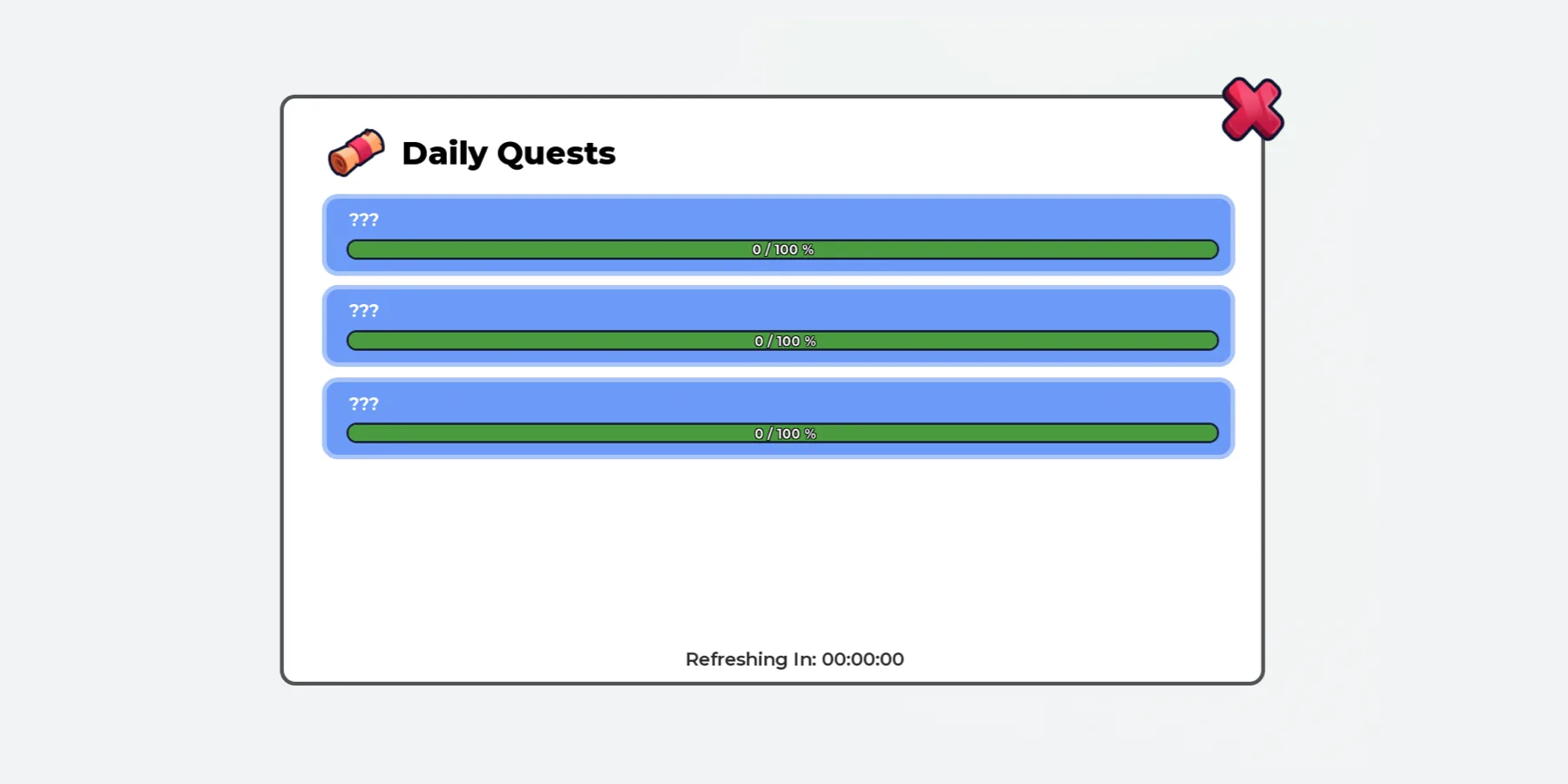
Overview
Daily quests for every player: jump, walk, play, visit a place, earn or buy. Finish one and claim the reward.
Each player gets three quests at a time from a list you write, with a countdown to the next set. Progress and rewards are saved. No scripting needed.
What the system does
Everything below is included.
Seven Quest Types
Earn, Jump, Play Time, Walk, Visit, Purchase, and Custom for a scripter.
Your Quest List
Write your own quests, goals and rewards. 26 are ready to start.
Rewards
Creates and saves its own currencies, or pays in your game’s money.
Saved Progress
Progress is kept when players leave and rejoin. Autosaves every few minutes.
Daily Refresh
New quests every 24 hours per player, or at one fixed hour for everyone.
Open Button
A button on the left, a key, or your own button.
Before you install
Complete all four steps. The system won’t run in your game until you do.
Join the Prova Group
You must be in the group when you buy and when you sign in. Players in your game don’t need to join.
Buy the Game Pass
A one-time payment in Robux, on this page, once it’s on sale.
Create Your Licence Key
Sign in to your dashboard with Roblox. One key covers every system you own, in up to six experiences.
Get the System
Download the file from the Prova Discord server, together with Prova Core.
What’s included
What your Explorer looks like after installing.
ReplicatedStorage
└─ PROVA | Daily Quests Folder
├─ README Script
└─ Remotes Folder
└─ Claim RemoteEvent
ServerScriptService
└─ PROVA | Daily Quests Folder
├─ AddQuestProgress BindableEvent
├─ QuestConfig ModuleScript
├─ QuestData ModuleScript
├─ QuestRewardClaimed BindableEvent
├─ QuestRules ModuleScript
├─ QuestServer Script
└─ QuestTracker ModuleScript
StarterGui
└─ PROVA | Daily Quests ScreenGui
├─ OpenButton ImageButton
├─ QuestClient LocalScript
└─ Quests Frame
You Need
- Roblox Studio, with your game open.
- Your Prova licence key, from your dashboard.
- To own the experience, or the group that owns it.
You Set Up
- Add Your Visit Areas
- Choose Your Rewards
19 settings in one file
Everything you can change is in QuestConfig. If a value is wrong, Output says which one.
Daily Quests
3Rewards
1The Window
10Saving
2Purchases and Output
2Quests
1When the system runs
All of these must be true. They’re checked every 15 minutes.
| Requirement | If it isn’t | ||
|---|---|---|---|
| 01 | Prova Core | Install it in the same experience. One free copy covers every system. | PC-002 |
| 02 | Licence Key | Add your licence key to the experience’s Secrets Store as prova_licence. | PC-003 |
| 03 | HTTP Requests | Enable HTTP Requests for the experience. | PC-004 |
| 04 | Ownership | The experience must be owned by you or a group you own. | PC-014 |
| 05 | Free Slots | Fewer than six experiences are using your licence key. | PC-008 |
| 06 | The System | You own the Game Pass for this product on the account using the licence key. | PC-015 |