
Training Commands
Chat commands for running a session.
Overview
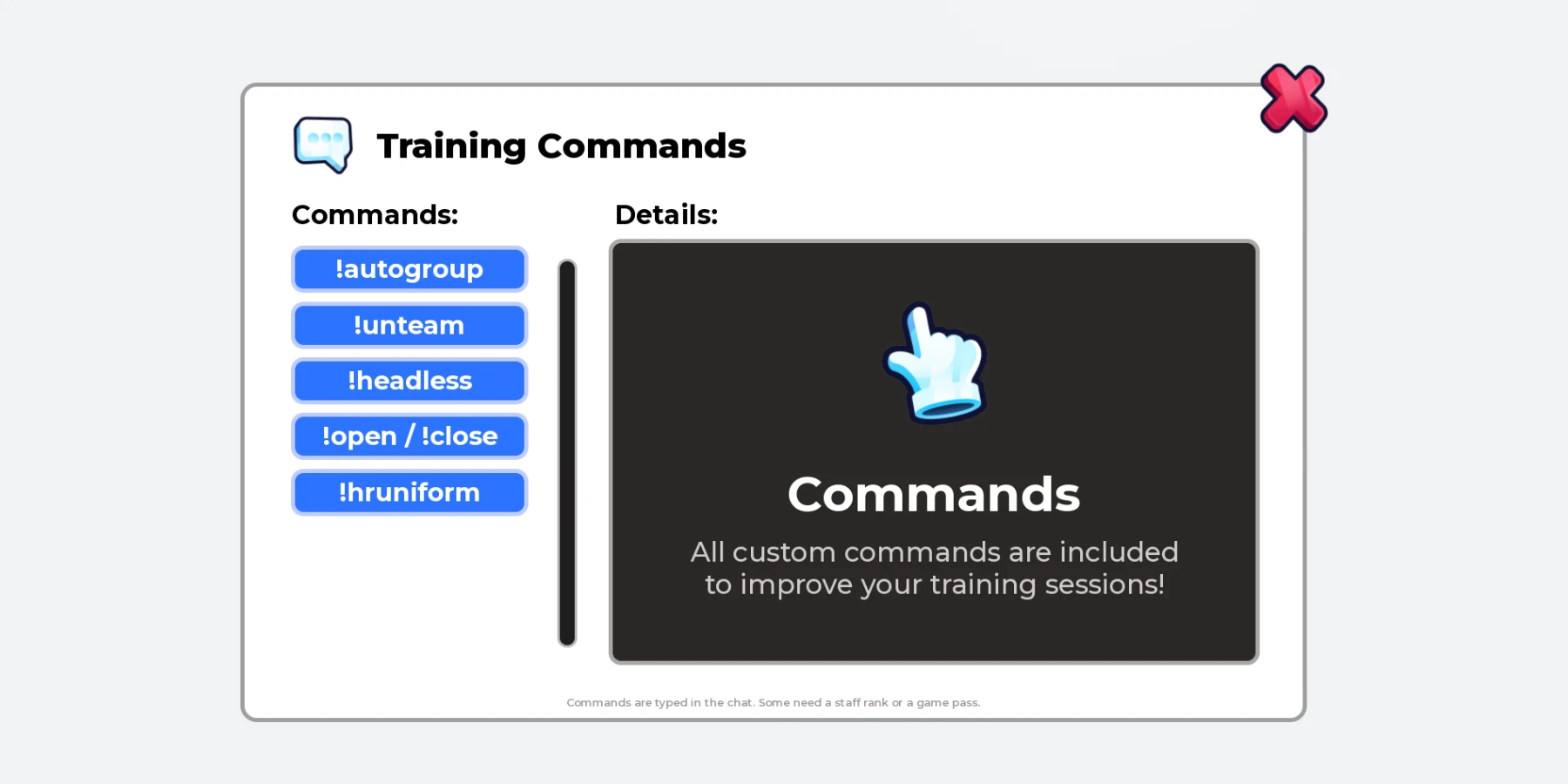
Chat commands for the staff running a training session. Share trainees across teams, put on uniforms, send players to a waiting team, and open or close doors.
Every reply appears as a Roblox notification. Command words, ranks, teams and uniforms are set in one file. No scripting needed.
What the system does
Everything below is included.
!autogroup
Shares trainees of each rank across their teams, and puts on the uniform.
!hruniform
Puts the uniform on you, or on someone else.
!unteam
Sends you, a player, or everyone to the waiting team.
!open and !close
Opens or closes your doors for the whole server.
!headless
Hides the head until respawn, for owners of your game pass.
Notifications
Replies show as a Roblox notification, only to whoever typed.
Before you install
Complete all four steps. The system won’t run in your game until you do.
Join the Prova Group
You must be in the group when you buy and when you sign in. Players in your game don’t need to join.
Buy the Game Pass
A one-time payment in Robux, on this page, once it’s on sale.
Create Your Licence Key
Sign in to your dashboard with Roblox. One key covers every system you own, in up to six experiences.
Get the System
Download the file from the Prova Discord server, together with Prova Core.
What’s included
What your Explorer looks like after installing.
ReplicatedStorage
└─ PROVA | Training Commands Folder
├─ README Script
└─ Remotes Folder
└─ Notify RemoteEvent
ServerScriptService
└─ PROVA | Training Commands Folder
├─ CommandRules ModuleScript
├─ CommandService ModuleScript
├─ CommandsConfig ModuleScript
└─ CommandsServer Script
StarterPlayer → StarterPlayerScripts
└─ PROVA | Training Commands Folder
└─ NotificationClient LocalScript
You Need
- Roblox Studio, with your game open.
- Your Prova licence key, from your dashboard.
- To own the experience, or the group that owns it.
- Your Roblox group’s ID, and your uniform’s shirt and pants IDs.
You Set Up
- Make Your Teams
- Name Your Doors
- Set Your Group and Uniforms
24 settings in one file
Everything you can change is in CommandsConfig. If a value is wrong, Output says which one.
Your Group
1!autogroup
6!hruniform
5!unteam
3!headless
2!open and !close
5Notifications and Output
2When the system runs
All of these must be true. They’re checked every 15 minutes.
| Requirement | If it isn’t | ||
|---|---|---|---|
| 01 | Prova Core | Install it in the same experience. One free copy covers every system. | PC-002 |
| 02 | Licence Key | Add your licence key to the experience’s Secrets Store as prova_licence. | PC-003 |
| 03 | HTTP Requests | Enable HTTP Requests for the experience. | PC-004 |
| 04 | Ownership | The experience must be owned by you or a group you own. | PC-014 |
| 05 | Free Slots | Fewer than six experiences are using your licence key. | PC-008 |
| 06 | The System | You own the Game Pass for this product on the account using the licence key. | PC-015 |